
Quick Start
# With Go installed:
go install github.com/jesseduffield/lazydocker@latest

# Or with Homebrew (Linux/macOS):
brew install jesseduffield/lazydocker/lazydocker

# Then just run:
lazydocker
Features
- View all containers, images, volumes, and networks in one TUI
- Tail container logs in real time
- Restart, stop, remove containers with keyboard shortcuts
- Works great over SSH — no browser required
- Supports Docker Compose projects
- Customisable keybindings and commands
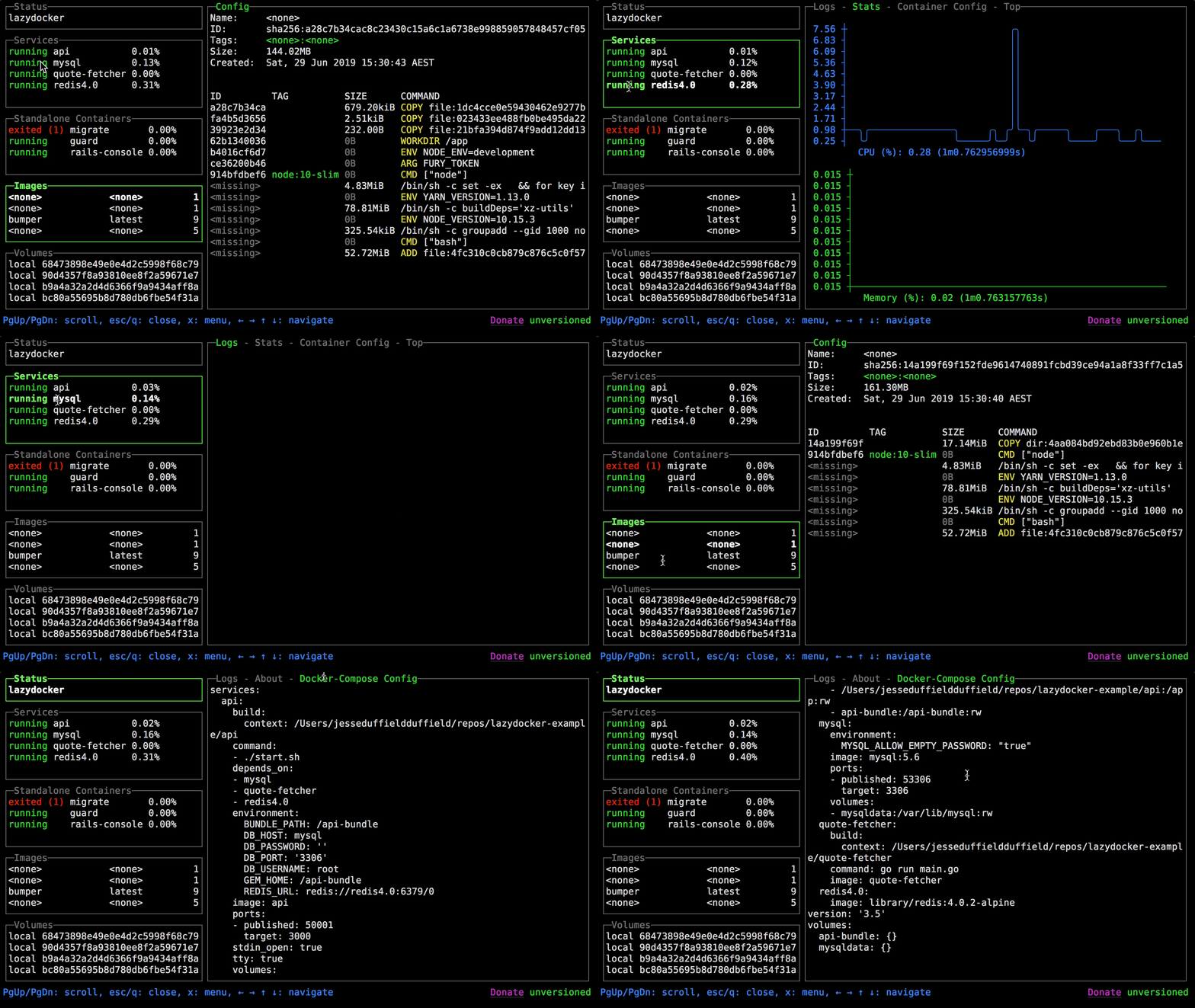
Screenshots
Privacy & Notes
Open source under the MIT license. No telemetry, no network calls. Ideal for Raspberry Pi or any headless Linux server where you want to manage Docker without installing a full web UI.
Changelog (short)
0.24.1 brings improved rendering performance, better Compose support, and minor bug fixes.